If your Shopify store is still relying on email alone, you’re leaving revenue on the table. Email open rates have been sliding for years, inboxes are more crowded than ever, and customers are increasingly ignoring promotional emails altogether. SMS marketing solves this problem in a way almost no other channel can: it lands directly on a screen your customer checks over 90 times a day.
This guide walks you through everything you need to launch SMS marketing on your Shopify store in 2026 — from the fundamentals to your first automated flow.
Why SMS Marketing Works So Well for Ecommerce
SMS isn’t just “email, but shorter.” It behaves completely differently as a channel:
- Open rates average 95–98%, compared to 15–25% for email
- Most texts are read within 3 minutes of being received
- Click-through rates are typically 4–5x higher than email campaigns
- No spam folder — a delivered text is a seen text
For Shopify merchants, this makes SMS especially powerful for time-sensitive moments: abandoned carts, flash sales, restock alerts, and shipping updates — anything where speed and visibility directly translate into recovered or incremental revenue.
Is SMS Marketing Right for Your Store?
SMS tends to perform best for stores that already have:
- Consistent order volume — enough traffic to build a meaningful subscriber list
- Frequent promotions or drops — new arrivals, flash sales, limited restocks
- A cart abandonment problem — the average ecommerce cart abandonment rate sits close to 70%, and SMS is one of the most effective recovery channels available
- A brand voice that suits texting — casual, direct, and personal brands typically see stronger engagement than highly formal B2B-style brands
If any of this sounds like your store, you’re a strong candidate for SMS.
Step 1: Get Compliant Before You Get Started
Before sending a single text, compliance has to come first. SMS marketing is regulated more strictly than email in most regions.
- TCPA (United States): requires explicit, documented consent before sending marketing texts
- GDPR (EU/UK): requires clear opt-in and an easy way for customers to withdraw consent
- CTIA guidelines: carrier-level rules around opt-in language, quiet hours, and message frequency
The safest approach is a double opt-in flow: the customer subscribes (checkout box, popup, or keyword), then confirms via a reply text. This protects your sender reputation and keeps your compliance airtight from day one.
Step 2: Build Your Subscriber List the Right Way
Your SMS list will only be as valuable as the consent behind it. The highest-converting opt-in sources for Shopify stores are:
- Checkout opt-in checkbox — the single highest-converting source, since the customer is already buying
- On-site popups — offer a first-purchase discount (10–15%) in exchange for a phone number
- Post-purchase page — ask for SMS opt-in after the order is placed, when trust is highest
- Keyword campaigns — “Text JOIN to 12345” on packaging, social bios, or in-store signage
Avoid buying phone number lists. Not only is this a compliance risk, it also produces poor engagement and can get your sending number blacklisted by carriers.
Step 3: Set Up Your Core Automations
Automated SMS flows do the majority of the revenue-generating work, running in the background without you writing a single new message each week. Start with these four:
1. Abandoned Cart Recovery
A short 2–3 message sequence sent within the first hour after checkout is abandoned. This is typically the single highest-ROI automation for any Shopify store.
2. Welcome Series
Sent immediately after opt-in, this introduces your brand, delivers the discount code you promised, and sets expectations for message frequency.
3. Back-in-Stock Alerts
Notifies customers the moment a sold-out item is available again — a high-intent moment where SMS’s speed advantage really shows.
4. Post-Purchase Follow-Up
Order confirmations, shipping updates, and a review request a few days after delivery. This keeps customers engaged without needing a promotional angle.
Step 4: Plan Your Campaign Cadence
Automations run in the background, but campaigns are how you drive spikes in revenue around specific moments — sales, launches, holidays. A sustainable cadence for most stores is:
- 2–4 promotional campaigns per month, tied to real events (not just “because it’s Tuesday”)
- 1 VIP or loyalty campaign for your most engaged segment
- Quiet hours respected — no messages before 9am or after 8pm in the recipient’s local time zone
Sending too frequently is the fastest way to drive up opt-out rates, so treat every subscriber’s attention as something to protect, not spend carelessly.
Step 5: Track the Metrics That Actually Matter
Don’t just track delivery rates — track revenue impact. The key metrics to watch are:
- Click-through rate (CTR) — are people actually engaging with your texts?
- Conversion rate — of those who click, how many complete a purchase?
- Revenue per message sent — the clearest measure of whether SMS is paying for itself
- Opt-out rate — a rising opt-out rate is an early warning sign of over-messaging
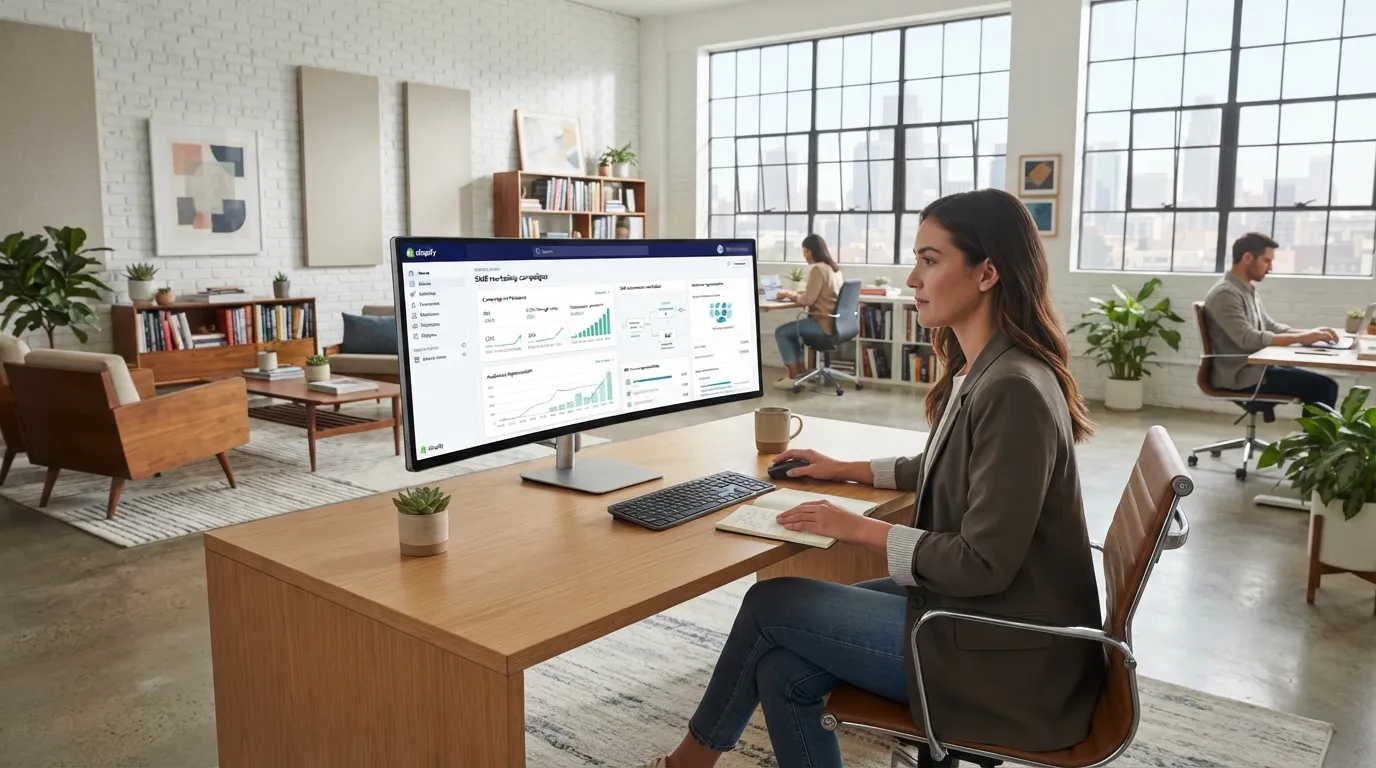
Most SMS marketing apps, including Senderium, surface these metrics automatically inside your dashboard, so you can see which flows and campaigns are actually driving revenue.
Common Mistakes to Avoid
- Texting too often — one promotional text a week is a reasonable ceiling for most stores
- Skipping the double opt-in — this creates real compliance exposure
- Ignoring time zones — a 2am text is one of the fastest ways to earn an opt-out
- Treating SMS like email — long, formal copy underperforms; texts should read like a message from a person, not a newsletter
Getting Started with Senderium
Senderium is built specifically for Shopify merchants who want SMS marketing without the complexity. You can launch your first abandoned cart automation in minutes, using built-in templates that already follow TCPA and GDPR-compliant opt-in flows.
Ready to see what SMS can do for your store? Start your free trial and launch your first campaign today.